Mastering Javascript Animation
Published on
Mastering JavaScript Animation: Bring Your Web Projects to Life
Animation is the secret ingredient that turns a static website into an engaging, interactive experience. Mastering JavaScript animation opens up endless creative possibilities—from smooth page transitions and hover effects to interactive UI elements and storytelling visuals. Whether you're building a portfolio, an ecommerce platform, or a full-blown web app, animation enhances the user experience and sets your project apart.
Why Use JavaScript for Animation?
While CSS handles basic animations well, JavaScript gives you deeper control and flexibility. With JavaScript, you can:
- Animate complex sequences
- React to user interactions in real-time
- Synchronize animations with scroll, audio, or video
- Integrate with libraries like GSAP, anime.js, or Framer Motion
Key Concepts to Learn
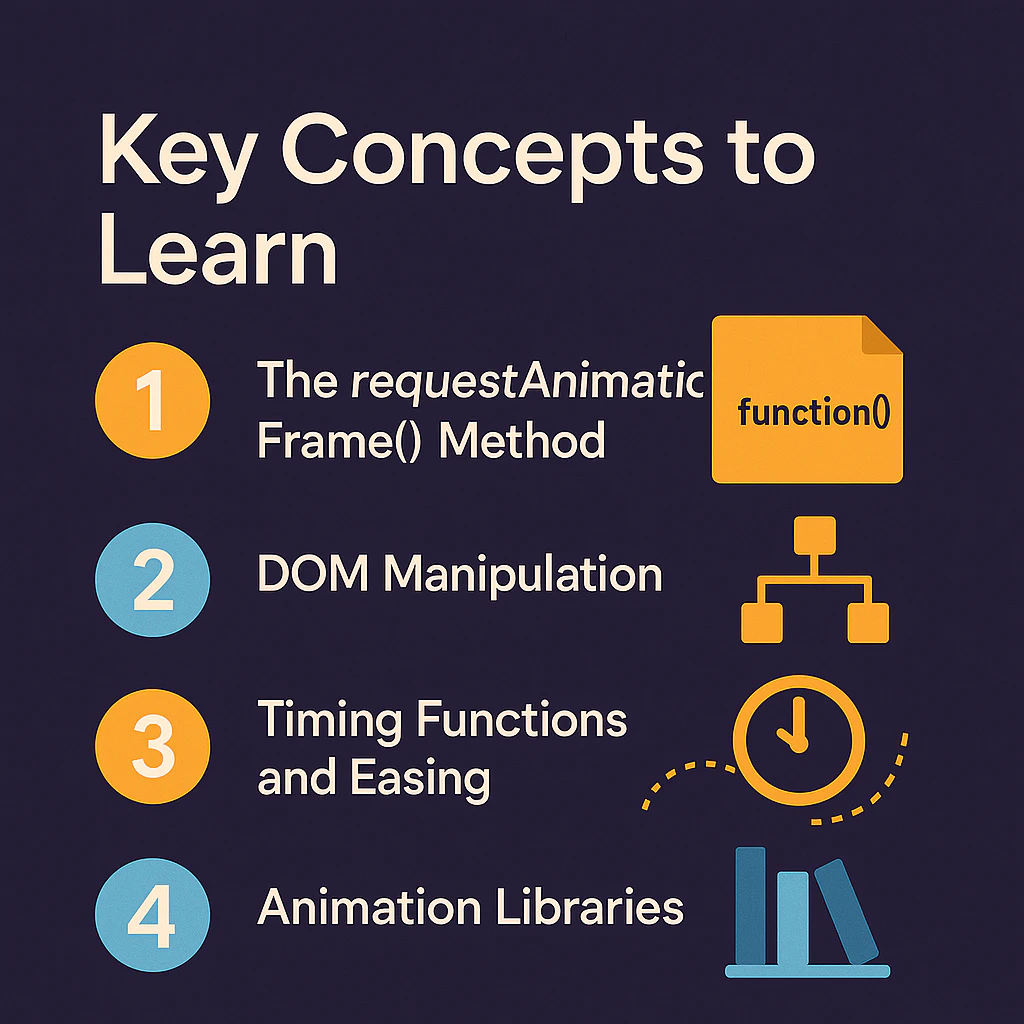
- The requestAnimationFrame() Method
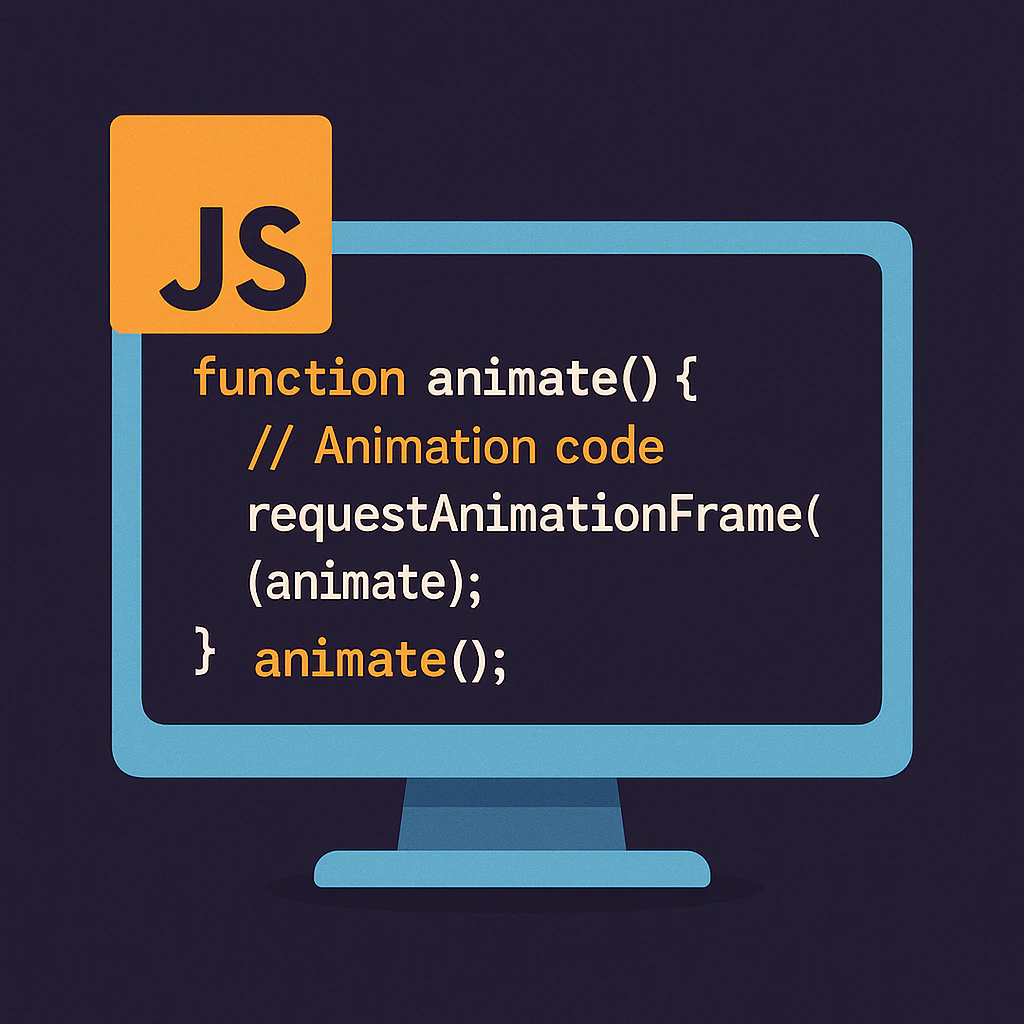
This browser API is the heart of smooth JavaScript animation. It lets you update your animations just before the next screen repaint, ensuring high performance. - DOM Manipulation
Knowing how to dynamically change styles or use libraries like jQuery or React helps in triggering animations programmatically. - Timing Functions and Easing
Animation isn't just about movement—how things move matters. Easing functions like ease-in, ease-out, and ease-in-out create natural-looking motion. - Animation Libraries
- GSAP (GreenSock Animation Platform): Industry-standard for performant, complex animations.
- Anime.js: Lightweight and great for SVGs and transitions.
- Framer Motion: Ideal for React developers who want declarative, easy-to-manage animations.
Real-World Use Cases
- Animated loading spinners
- Scroll-triggered effects
- Expanding navigation menus
- Parallax image galleries
- Micro-interactions on buttons and icons
Final Thoughts
Mastering JavaScript animation doesn’t happen overnight, but with practice and the right tools, you’ll soon be creating delightful, interactive web experiences. Start small, experiment with effects, and gradually build up to more complex animations. Animation isn't just eye-candy—it’s a powerful tool for communication and user engagement.